
Human Made Icon
You want to show that your work is your own, even where space is limited. In your profile picture, on a thumbnail or next to a product in your shop. That is what the Human Made Icon by HUMAVE is for: the compact version of our label. HUMAVE stands for Human Made Verified. Before you show the icon, we review how you work.
This guide shows you where the icon works best, how to place it on each platform and what people take from it when they see it.
What stands behind the icon
The icon is small, but there is a lot behind it. Before you receive it, we talk to you and look at how you create your work. So the icon is more than a claim. It stands for a process we have reviewed, and anyone can check with HUMAVE whether you are allowed to use it.
That is what makes it useful in small spaces. Nobody reads a long explanation next to a profile picture. The icon does that job in a fraction of a second.
Why the first impression decides so much
Most people meet your work long before they visit your website. They scroll past your profile picture in a comment section, see your thumbnail in a feed or spot your product in a list of search results. These are the moments where they decide whether to click or keep scrolling.
At the same time, more and more of what people see online is made by AI. Feeds fill up with images, texts and videos that look polished but feel interchangeable. In that environment, a sign that shows a human is behind the work becomes a reason to stop. The Human Made Icon gives you that sign exactly where the first impression happens.
Using the icon on each platform
Place the icon in a corner of your profile picture or use it as the cover for a highlight where you explain how you work. In your posts, it fits well on carousel covers or in the last slide. Mention HUMAVE in your bio so people know what the icon means.
On LinkedIn, the icon works in your profile picture frame or in your banner. If you share work samples or case studies, add it to the cover image. Decision makers often skim profiles quickly, and the icon gives them one more reason to take you seriously.
TikTok and Reels
Short videos move fast. Put the icon in a corner of your cover image, so it shows up in your profile grid. Avoid placing it where the platform puts its own buttons or captions.
YouTube
Add the icon to your thumbnails, always in the same spot. Your channel icon is another good place. Over time, viewers connect it with your content and recognise it in their recommendations.
Podcasts
Your podcast artwork appears in every app, usually tiny. An icon in one corner shows listeners that the show is made by real people, from research to script.
Etsy and online shops
In shops, your product sits next to many others. Add the icon to your shop banner, your logo area or the first product image. Use it only on products that come from your own work.
Behance, Dribbble and freelance marketplaces
On portfolio platforms and freelance marketplaces, clients compare many profiles in a short time. The icon in your profile picture or on project covers helps you stand out in that list.
WhatsApp Business and messengers
Your profile picture appears in every chat with a customer. The icon there is a quiet reminder of how you work, every time someone messages you.
Website and mail signature
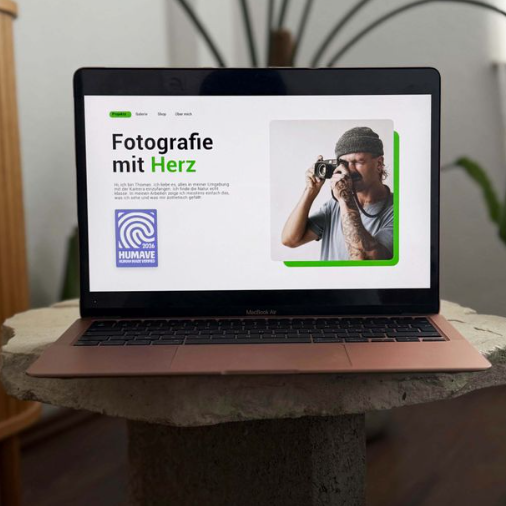
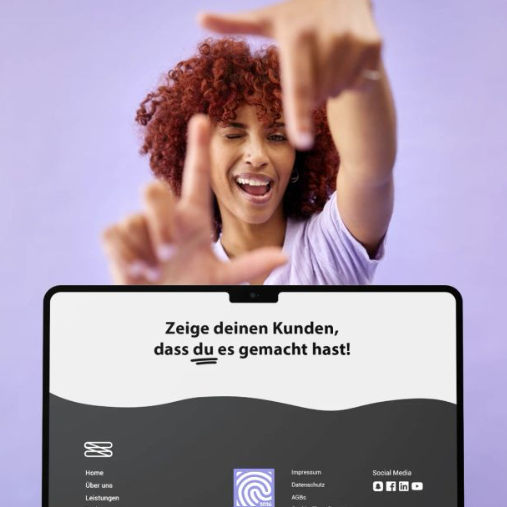
On your own website, the icon fits in the footer, next to your portfolio or on your about page. In your mail signature, it goes out with every message you send.
Examples from different industries
The icon is not only for creatives. A few examples of how it can be used:
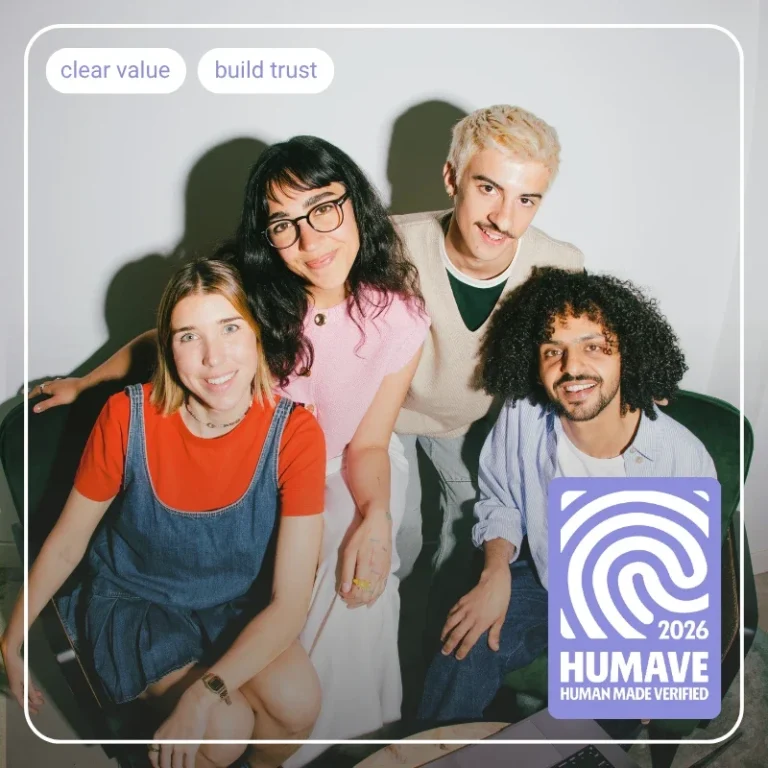
A photographer adds it to the thumbnails of her portfolio videos, so potential clients see at a glance that her images are not generated.
A copywriter places it in his LinkedIn profile picture. When he comments on posts, the icon travels with him through other people’s feeds.
A fitness coach uses it on the covers of her training videos. Her clients know that every plan comes from her and not from a tool.
A ceramic artist adds it to the first product image in her online shop, right next to products that were designed with AI.
A consultant uses it in his podcast artwork and in the cover image of every episode.
Placing the icon right
Check it on your phone. That is where most people will see it.
Place it on a calm part of the image, away from busy patterns or text.
Stick to the same spot every time, so it becomes part of your look.
Use the file exactly as we send it, without changing the colours or cropping it.
Keep some space around it, so it does not merge with other elements.
An icon inside an image cannot be clicked. Add a short line about HUMAVE with a link to your bio, so people can look it up.
A selection of our partners
Human Made Icon or AI labelling?
Notices like "AI info" on Instagram or the labelling requirements under the EU AI Act show where AI was involved, but by no means always. The Human Made Sign works the other way around and actively shows where a human did the work.
Frequently asked questions about the Human Made Icon
Who can use the Human Made Icon?
Anyone whose work passes the HUMAVE review. Photographers, designers, writers, coaches, consultants, craftspeople and small businesses. What counts is how your work is created, not your industry.
Can I add the icon to my own images?
Yes, to anything that comes from your own work. Stock photos, bought graphics or other people’s work are not included.
Can I use the icon in videos?
Yes. It works well on covers and thumbnails, or as a small element at the start or end of a video.
Can I use just part of the icon?
No. The icon always stays complete and unchanged, so people can recognise it everywhere.
Should I explain the icon in my posts?
You do not have to. A short line in your bio is enough. If you want to say more, use the approved text snippets you receive from us.
How long can I use the icon?
As long as your approval is valid and you work to the HUMAVE standard. HUMAVE can check at any time whether the standard is still being met.
What if I used AI for a post?
AI can support you, for example with research. The idea, creation and editing must remain your own work. AI generated content and AI based image editing, including background removal and retouching, do not meet the HUMAVE standard. The icon must not be used on such content.